Custom firmware for retro handhelds, explained
Custom firmware is one of the reasons cheap Linux handhelds became so popular. It replaces the stock system with one written by volunteers, often with better menus, save sync and battery life. This guide explains what it changes, how to install it safely, and when you are better off leaving the stock system alone.

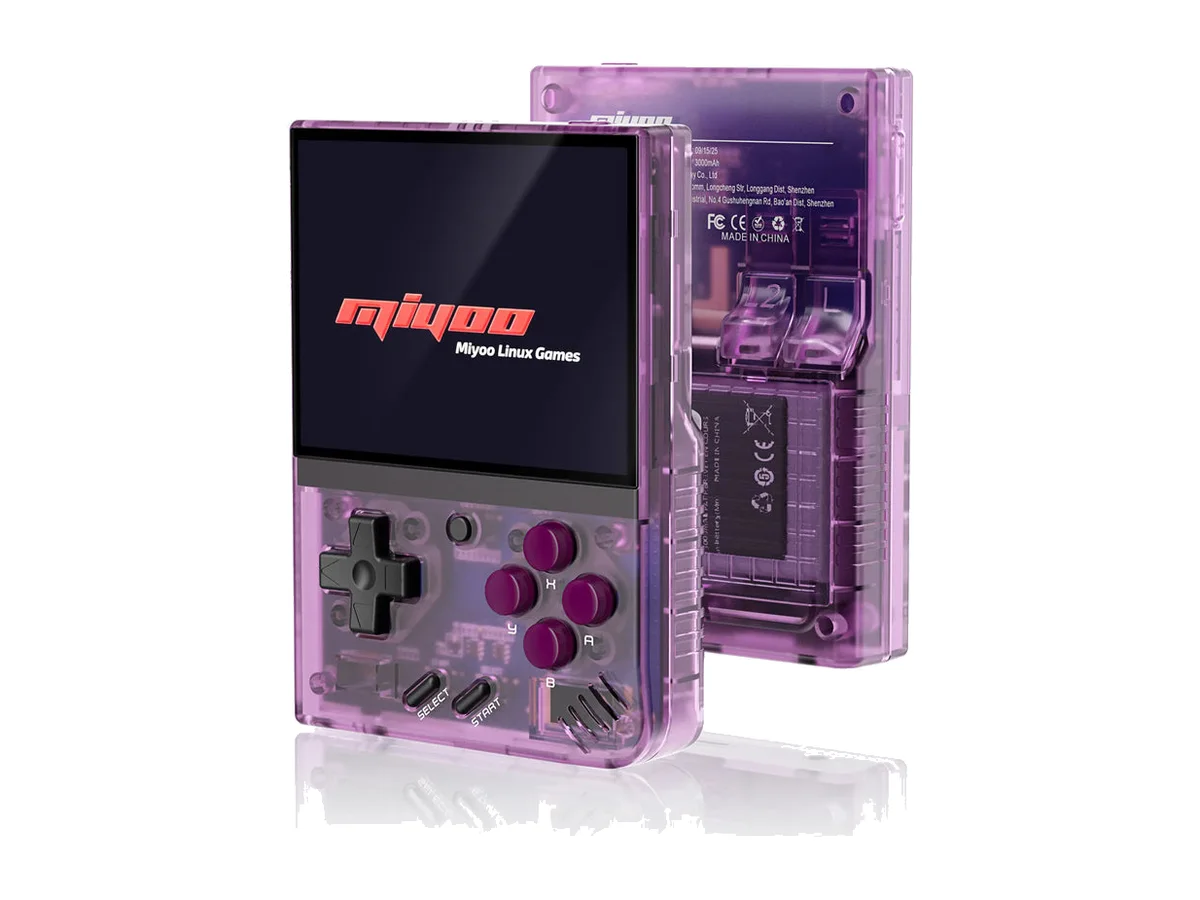
Miyoo Mini Plus7.7/10Read the review
What custom firmware actually is
Every Linux handheld ships with a stock system: a menu, a set of emulators and some settings. Community projects build replacement systems for the most popular handhelds. They are free, open source and maintained by volunteers.
- Cleaner, faster menus with box art and game lists.
- Better-tuned emulators and per-game settings.
- Extras like save sync over Wi-Fi, sleep and resume, and play time tracking.
- Sometimes longer battery life, thanks to better power settings.
Which handhelds have a strong scene
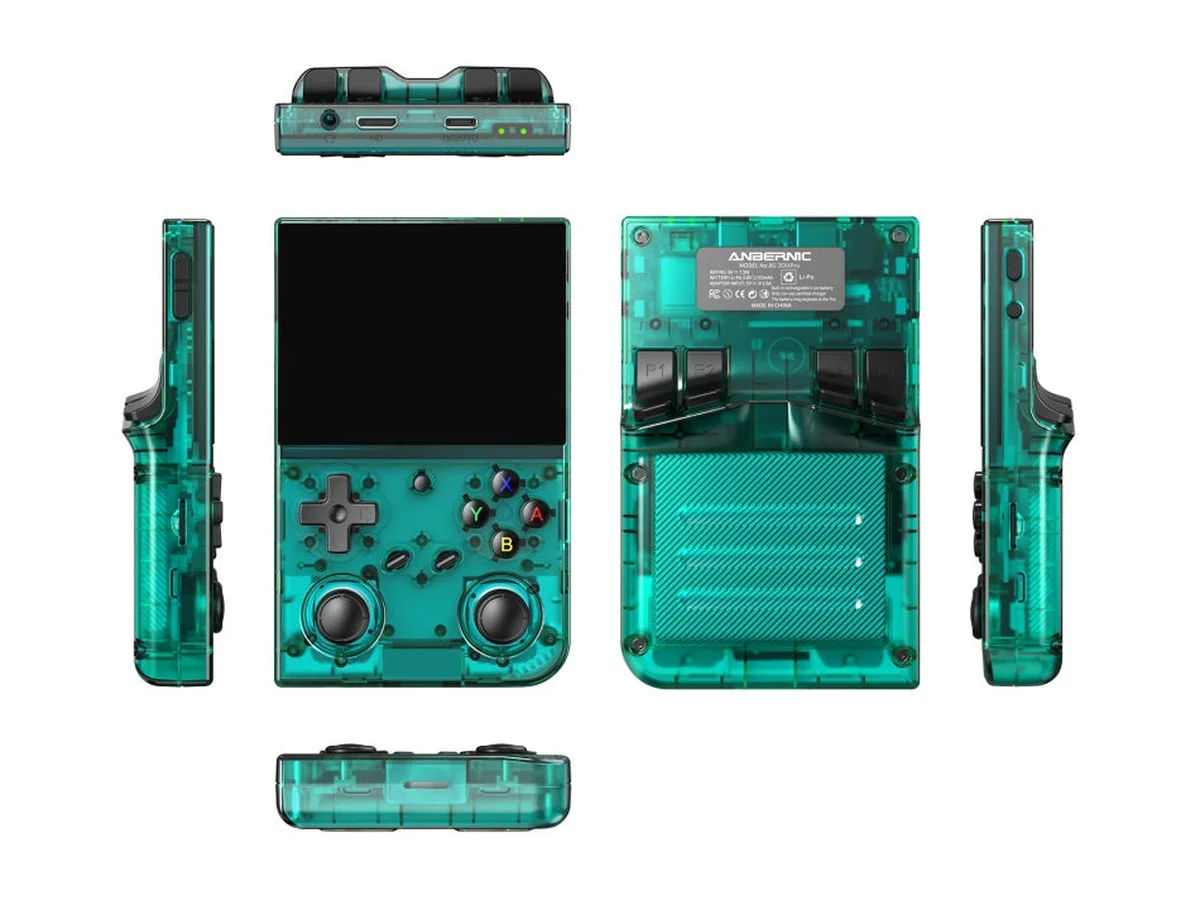
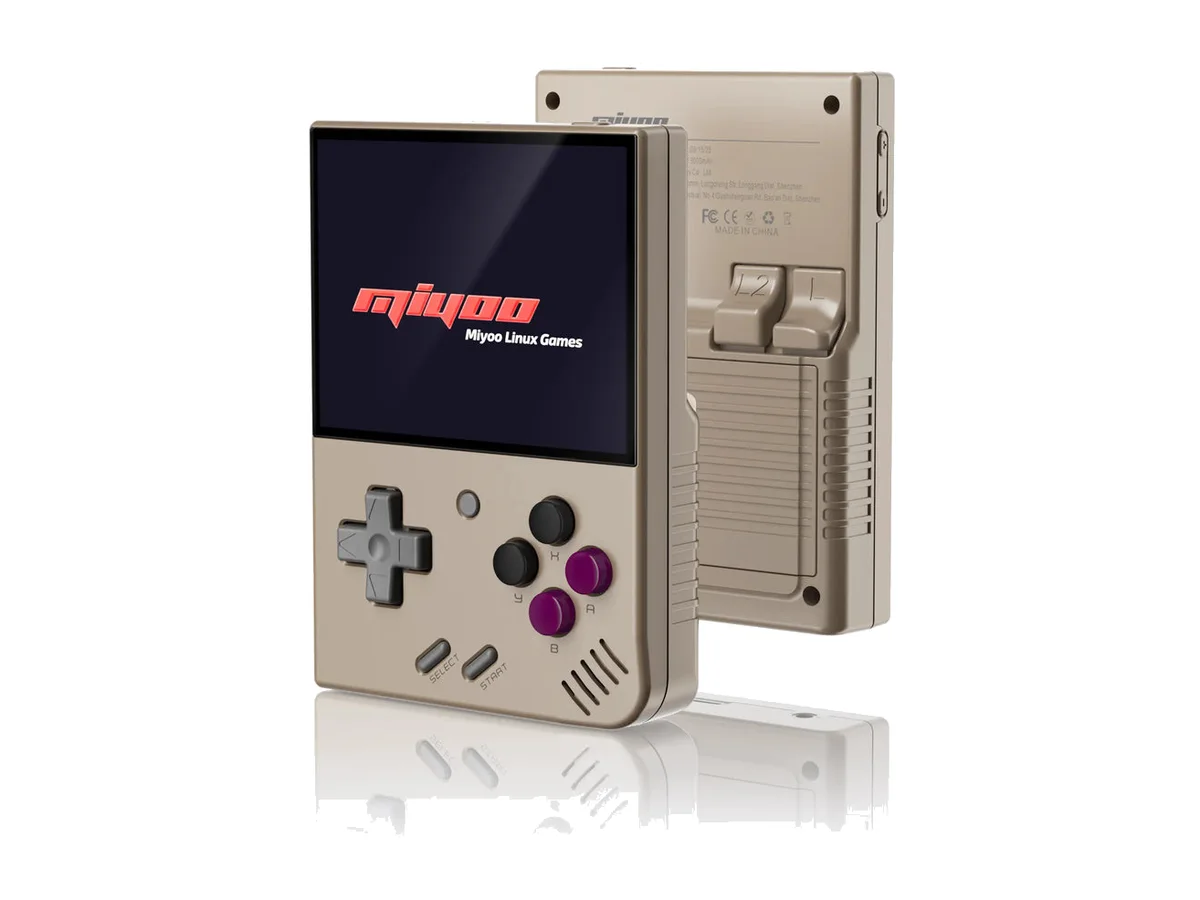
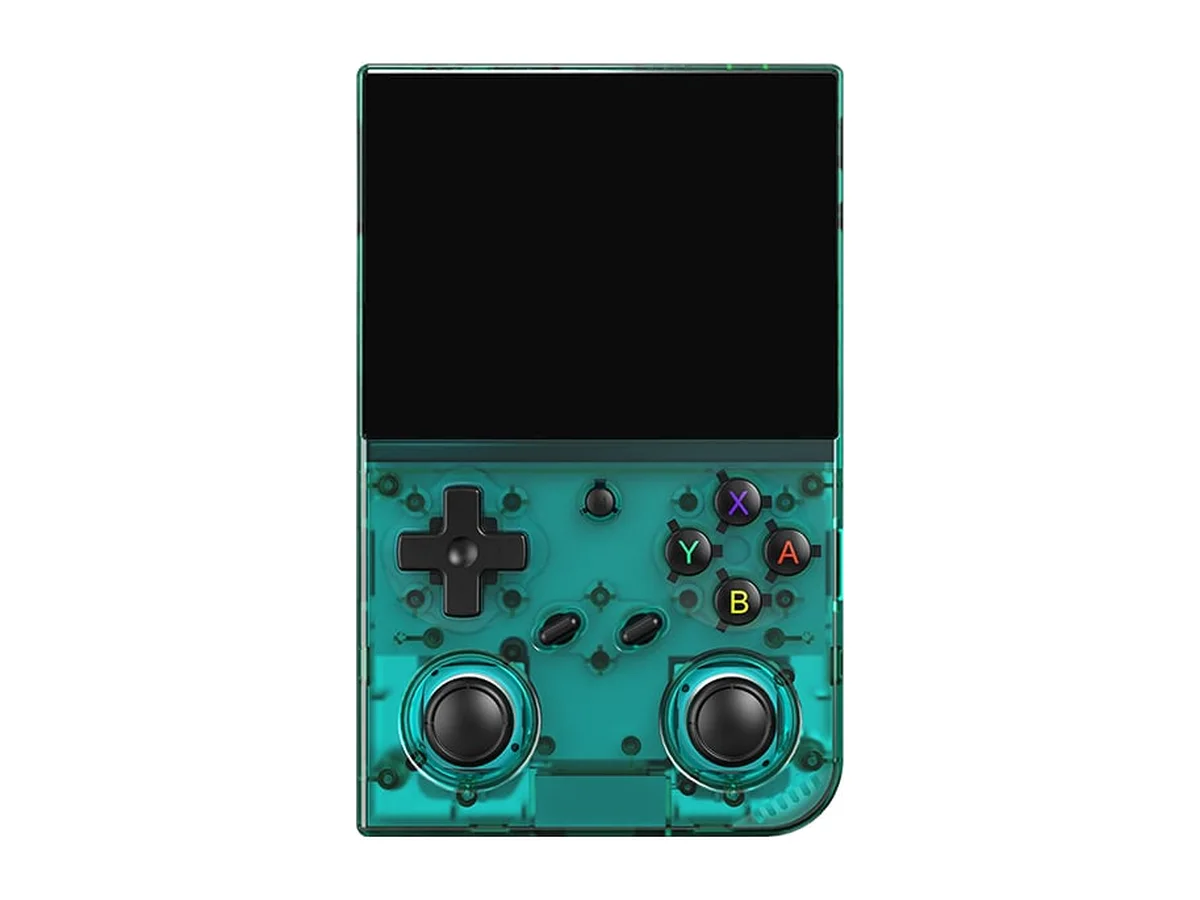
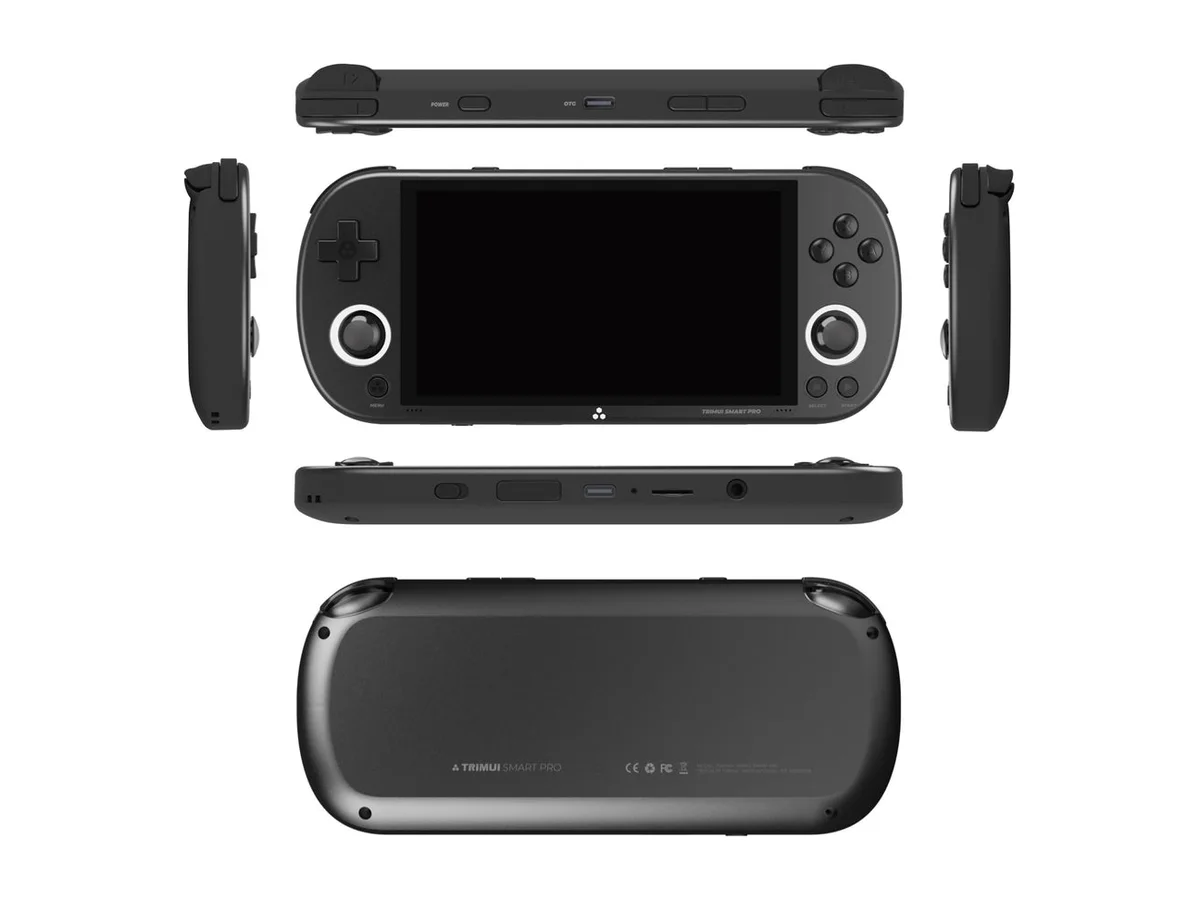
The Miyoo Mini Plus has one of the best-known custom firmware projects of any handheld. The Anbernic H700 family, like the RG35XX Pro and the RG35XX SP, and the TrimUI A133P models, like the Smart Pro, have several active projects too.
How installation usually works
- Copy your saves and the whole original card to a computer.
- Download the firmware from the project's official page or repository, and only from there.
- Format a good microSD card as the project instructs (see our SD card guide).
- Copy the firmware files to the card, insert it and power on: the first boot finishes the setup.
- Copy your own games into the folders the firmware creates.
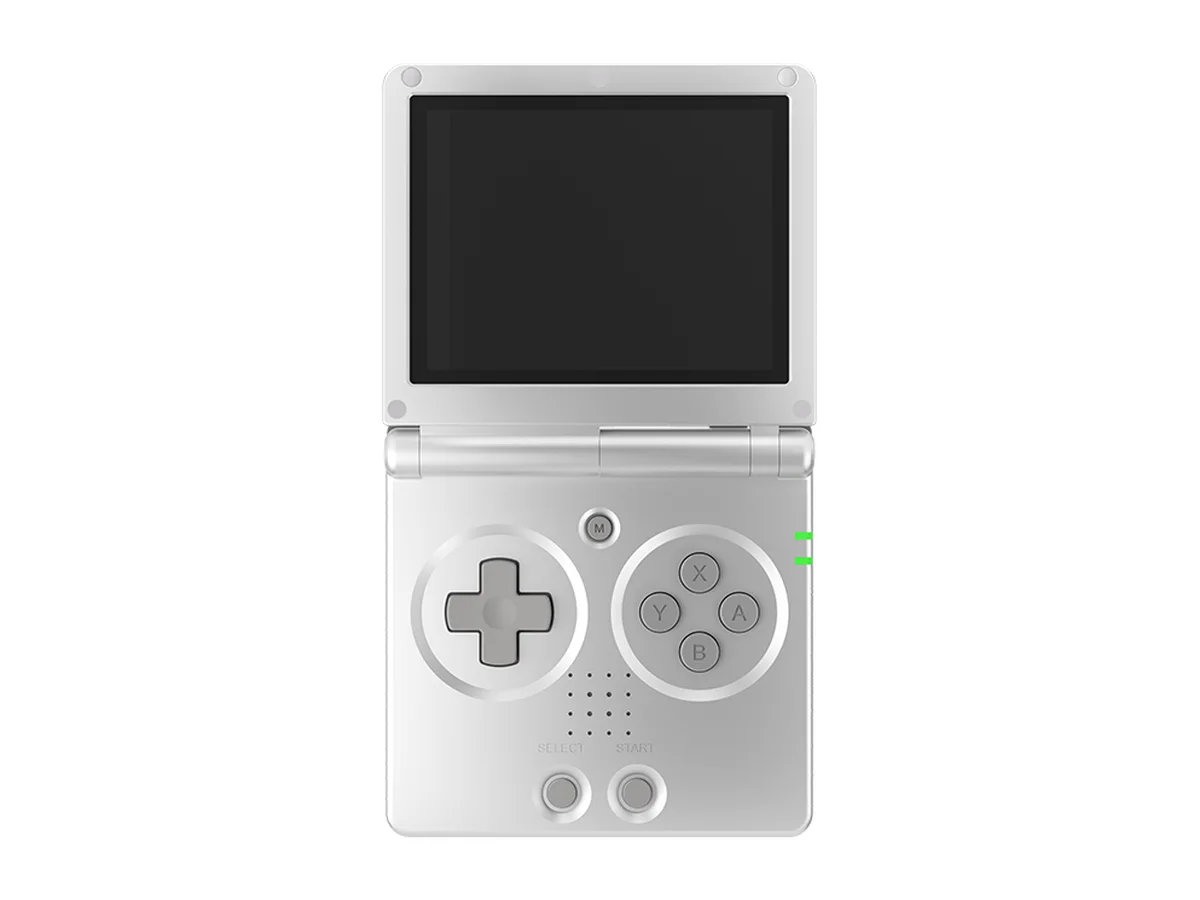
Anbernic RG35XX SP8.1/10Read the review
Risks and how to undo it
On most Linux handhelds the firmware lives on the microSD card, so going back is as simple as putting the original card back in. The real risk is losing saves, which is why the backup step comes first.
Warranty terms vary by brand. Check the store's policy if you are worried, and keep the original card untouched in a drawer.
When to keep the stock system
If the stock system already does what you want, there is no need to switch. Android handhelds like the Retroid Pocket 5 work differently: you install emulator apps and a front-end from a store instead of replacing the system.
Figures from official manufacturer spec sheets and US prices checked on November 22, 2026. Images: manufacturers and Amazon. Scoring: see our methodology.
Our selection
Three rated handhelds mentioned in this guide, at checked US prices.

Frequently asked questions
Is custom firmware legal?
Yes. The projects distribute systems and emulators, not games. The game rules stay the same: play games you own.
Can custom firmware brick my handheld?
Rarely on Linux handhelds, because the system lives on the microSD card: put the original card back and it boots as before.
Does the Miyoo Mini Plus need custom firmware?
No, but it is one of the most popular reasons people buy it.
Do Android handhelds use custom firmware?
Rarely. You install emulator apps and a front-end instead.